 ▶ Watch workflow
01 / Migration & setup
Countertop software migration
Bring your drawings, quotes and job history into the next chapter. Review completed source-system migrations, observed imported records and the setup process.
Read the report.png) SlabOSFabrication suiteKnowledge library / Built for fabricators
SlabOSFabrication suiteKnowledge library / Built for fabricatorsThe SlabOS knowledge library
SlabOS connects countertop estimating, CAD drawing, slab nesting, inventory, production scheduling, crews and job billing. Explore how the platform works, follow the handoffs between teams and read the reports behind its capabilities.
Explore all 43 public capability guides ↗The connected platform / 12 workflow stages
See how the customer, drawing, quote, slab, approval, crew visit and invoice connect. Explore every stage, its inputs and outputs, and the guides behind it.
Explore the complete platform workflow ↗Drawing quantities, material pricing and customer price levels.
Receiving, stock identity, warehouse locations and remnant history.
Template, fabrication and installation activities linked to field work.
Selected slabs, layout controls, vein direction and material planning.
Drawing geometry, measured templates and fabrication handoffs.
Stone assembly, fitted kitchen furnishing and customer presentation.
Job billing, accounting records and configured sync scope.
Quoted work, recorded time and operational cost inputs.
SlabOS’s Windows service, two-way Slabsmith operations and scanner imagery.
Completed source-system migrations, imported records and setup scope.
Migration evidence
Your history has
a future here.
Observed migration-marked records · September 15, 2026. Excludes the identified demo account and deleted activities; archive copies not added. Counts describe imported records, not an accuracy rate. Read the scope and method.
▶ Watch workflow
01 / Migration & setup
Bring your drawings, quotes and job history into the next chapter. Review completed source-system migrations, observed imported records and the setup process.
Read the report ▶ Watch workflow
02 / Inventory & remnants
Connect receiving, material identity, warehouse locations and remnant reuse. Follow the slab through the work it supports.
Read the report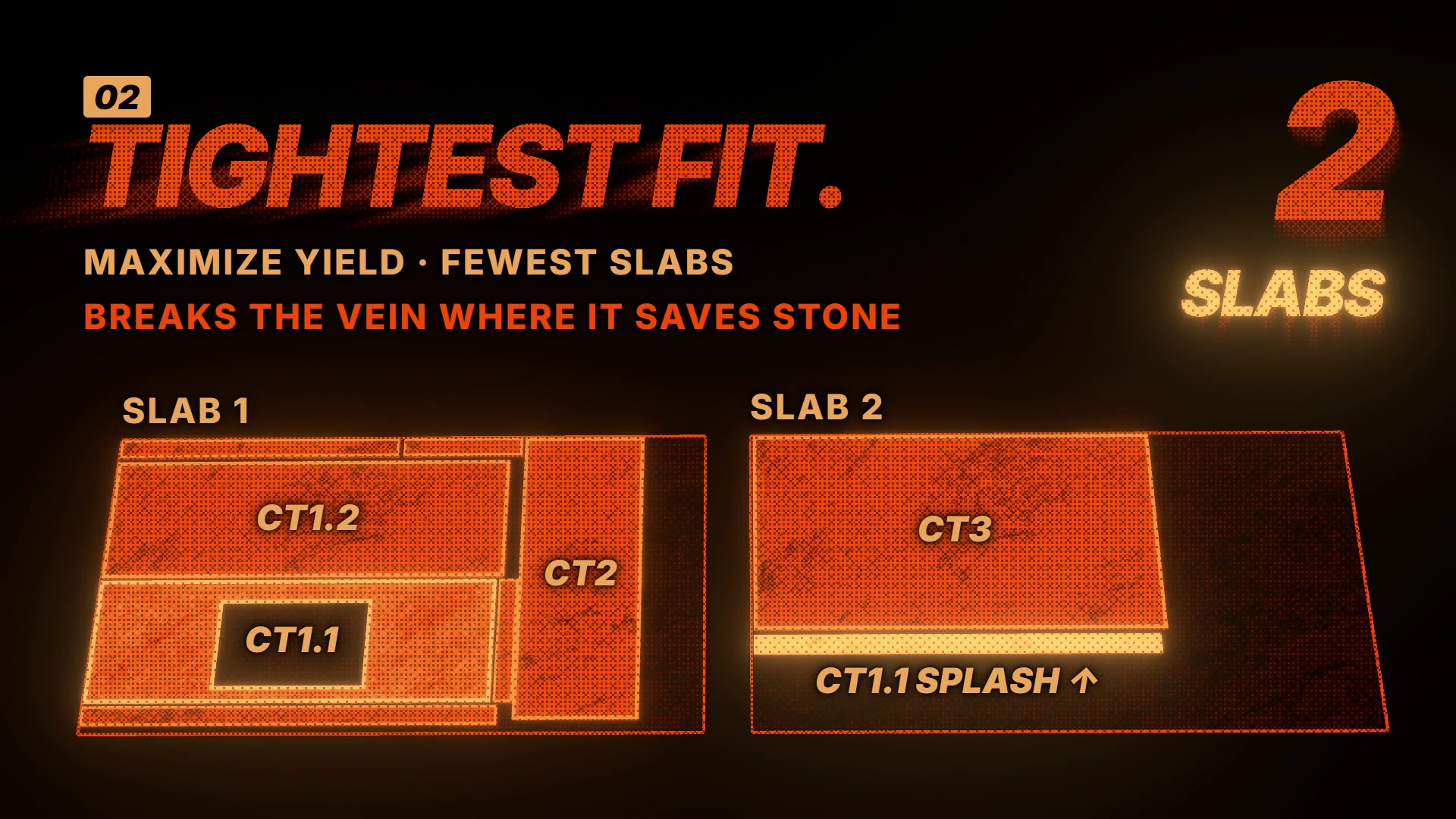 ▶ Watch workflow
03 / Automatic nesting
Plan countertop pieces on actual slabs. Explore placement priorities, vein direction, allowances and controls for the final layout.
Read the report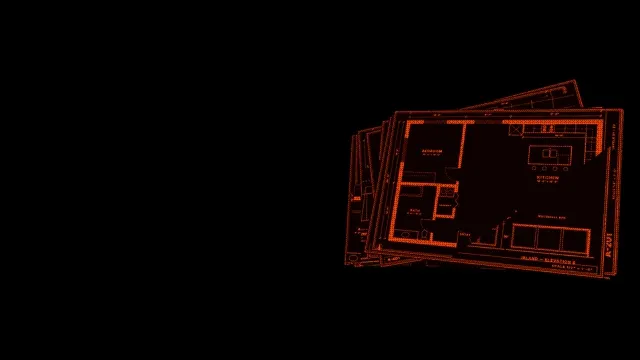 ▶ Watch workflow
04 / Blueprint takeoff · beta
Turn plan-set information into an editable countertop drawing. See what the beta extracts, where review fits and how the drawing moves into estimating.
Read the reportSee drawing-based 3D, automatic assembly and fitted cabinets, sinks, cooktops and supported appliances.
Explore the workflow 02 / PLAN THE MATERIALConnect countertop geometry with selected slabs, nesting controls and remnant opportunities.
Explore the workflow 03 / CONNECT THE SHOPExplore SlabOS’s Windows service, supported two-way Slabsmith operations and scanner imagery on slab records.
Explore the workflow 04 / QUOTE & WINFollow a website quote request into the sales workflow and the estimator’s review.
Explore the workflow 05 / MOVE YOUR HISTORYUnderstand migration coverage, historical drawing context and representative records to review.
Explore the workflow 06 / RUN THE JOBExplore template, fabrication and installation activities alongside job and field information.
Explore the workflowExplore the 39 workflows in our feature list. Follow each one into its public capability explanation, with detailed reports for migration, inventory, nesting and takeoff.
 ▶ Watch workflow
01 / Workflow article
Draw the counter once. Follow its geometry into pricing and presentation.
Read the article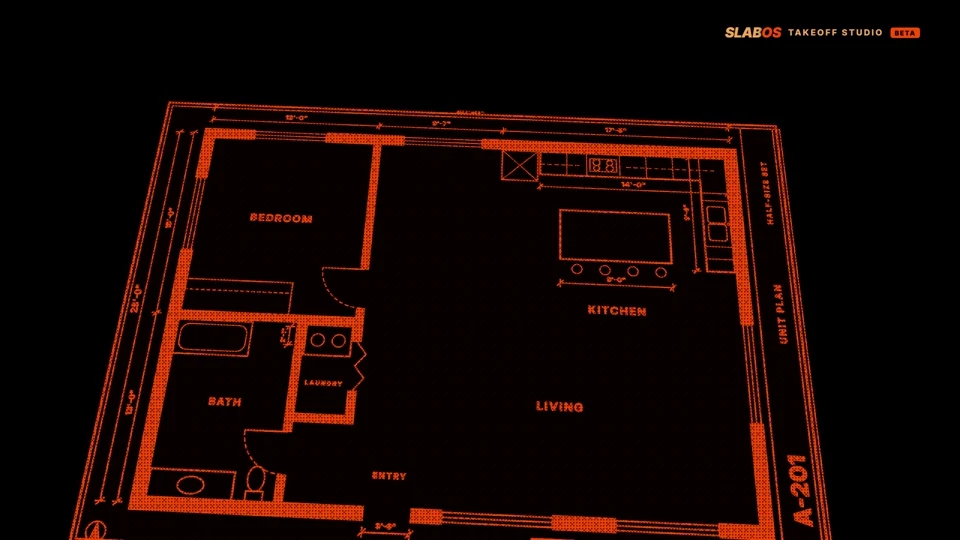 ▶ Watch workflow
02 / Product report
Plan-set detection, editable drawing and estimator review.
Read the report ▶ Watch workflow
03 / Workflow article
Bring the room into the job, then review the estimate-ready geometry.
Read the article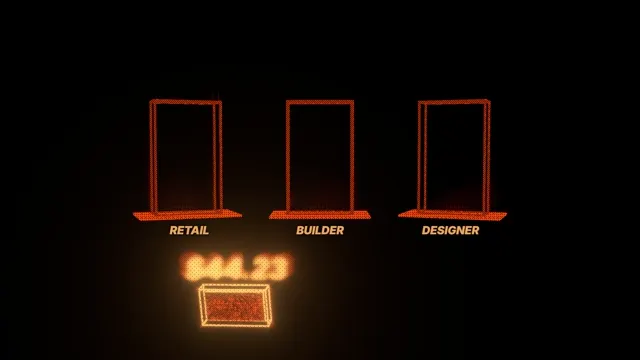 ▶ Watch workflow
04 / Workflow article
Make the rate, unit and override behind a quote easy to explain.
Read the article ▶ Watch workflow
05 / Workflow article
Review extracted colors, thicknesses and costs before applying a catalog.
Read the article ▶ Watch workflow
06 / Workflow article
Turn a homeowner drawing into a draft the estimator can continue.
Read the article ▶ Watch workflow
07 / Workflow article
Give the customer a clear view of the current quote and its approval state.
Read the article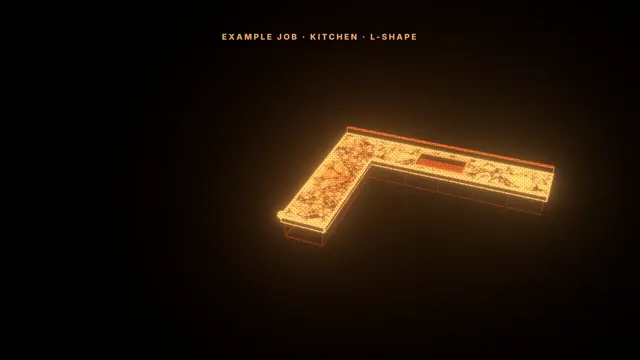 ▶ Watch workflow
08 / Workflow article
Keep revised geometry, changed price and customer approval together.
Read the article ▶ Watch workflow
09 / Workflow article
Present the quoted design at the point where the customer is deciding.
Read the article ▶ Watch workflow
10 / Workflow article
Keep the conversation attached to the quote and job it concerns.
Read the article ▶ Watch workflow
11 / Workflow article
Connect campaign planning to the customer list already in SlabOS.
Read the article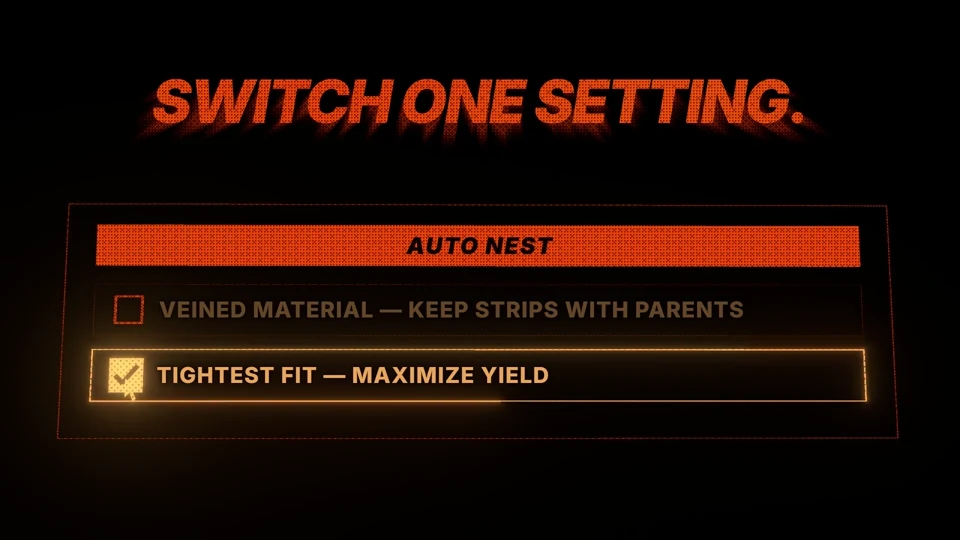 ▶ Watch workflow
12 / Product report
Packing priorities, vein direction, allowances and accepted layouts.
Read the report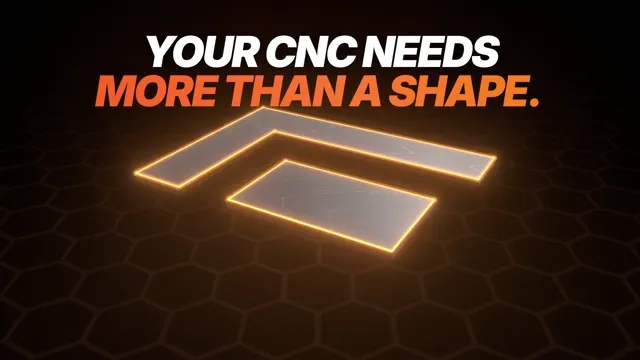 ▶ Watch workflow
13 / Workflow article
Check the geometry handoff before calling a file machine-ready.
Read the article ▶ Watch workflow
14 / Workflow article
Bring measured geometry into the quote without losing the commercial context.
Read the article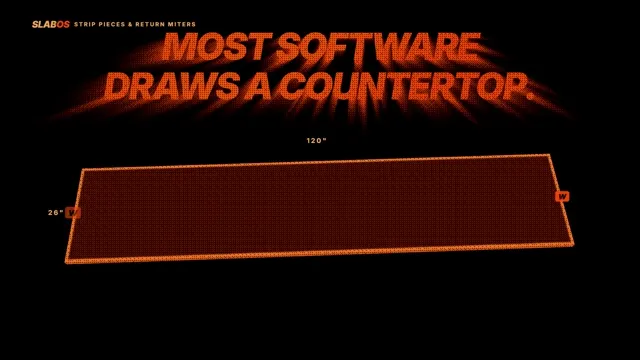 ▶ Watch workflow
15 / Workflow article
Keep fabrication detail connected to quantities and material layout.
Read the article ▶ Watch workflow
16 / Workflow article
Know which drawing pages and fixture answers the customer approved.
Read the article ▶ Watch workflow
17 / Workflow article
Start from the cutouts, then confirm the physical fixture details.
Read the article ▶ Watch workflow
18 / Workflow article
Give each physical piece a record the floor can find.
Read the article ▶ Watch workflow
19 / Workflow article
Connect the stock record to the place the team should look.
Read the article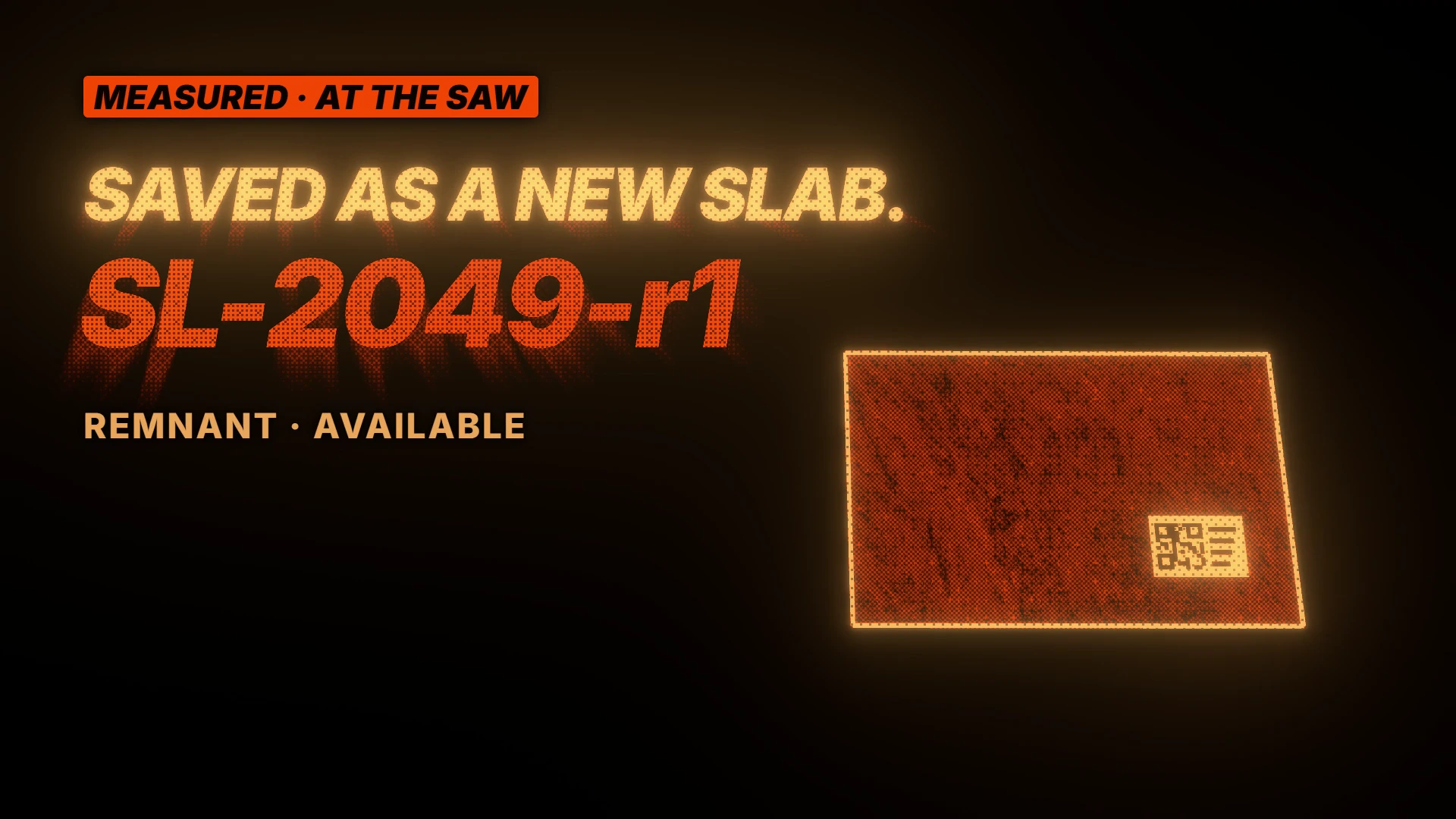 ▶ Watch workflow
20 / Workflow article
Understand the estimate before treating an offcut as reusable stock.
Read the article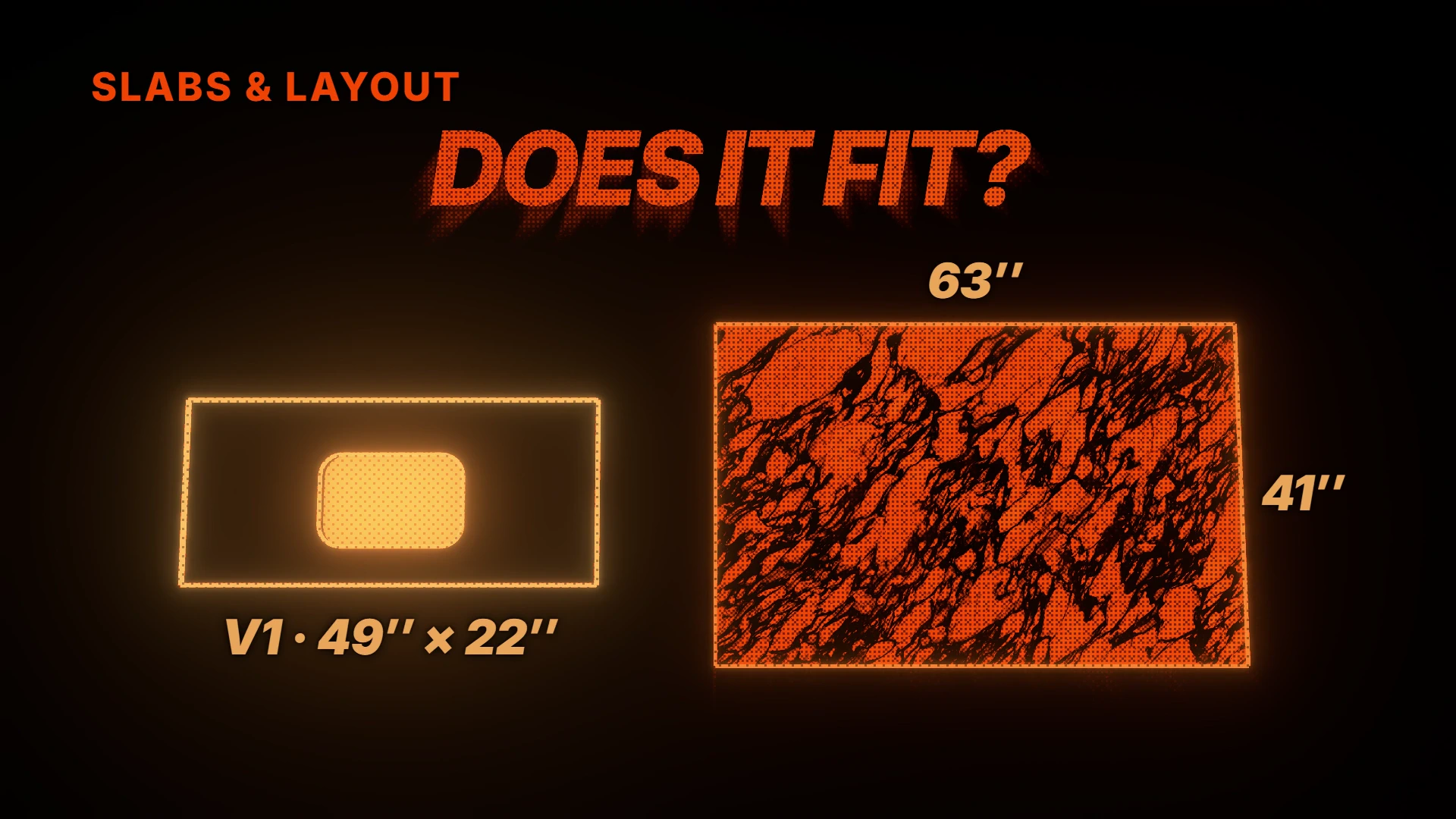 ▶ Watch workflow
21 / Workflow article
Make a suggested match traceable to real available material.
Read the article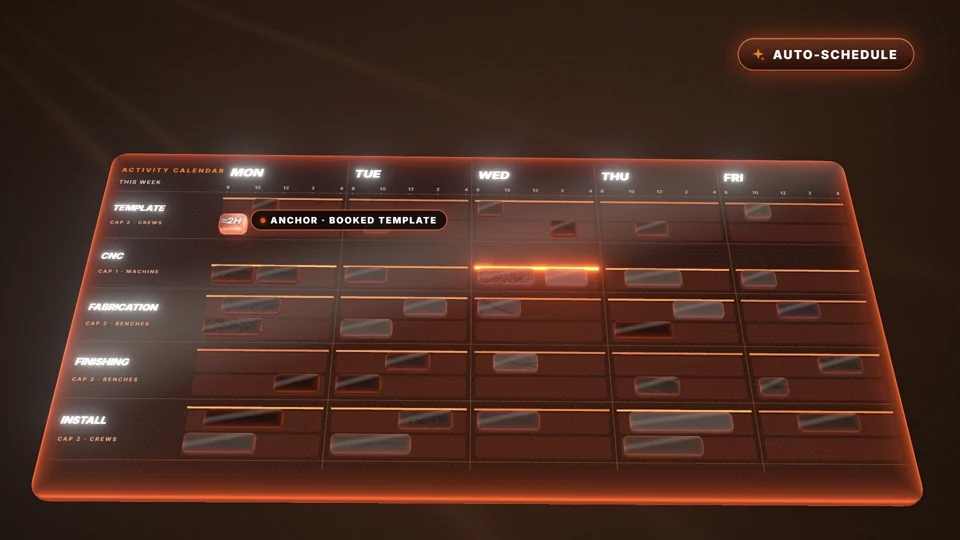 ▶ Watch workflow
22 / Workflow article
Keep dates, assignments and work status distinct.
Read the article ▶ Watch workflow
23 / Workflow article
Carry the right activity, drawing and update into the field.
Read the article ▶ Watch workflow
24 / Workflow article
See the history behind a suggested production interval.
Read the article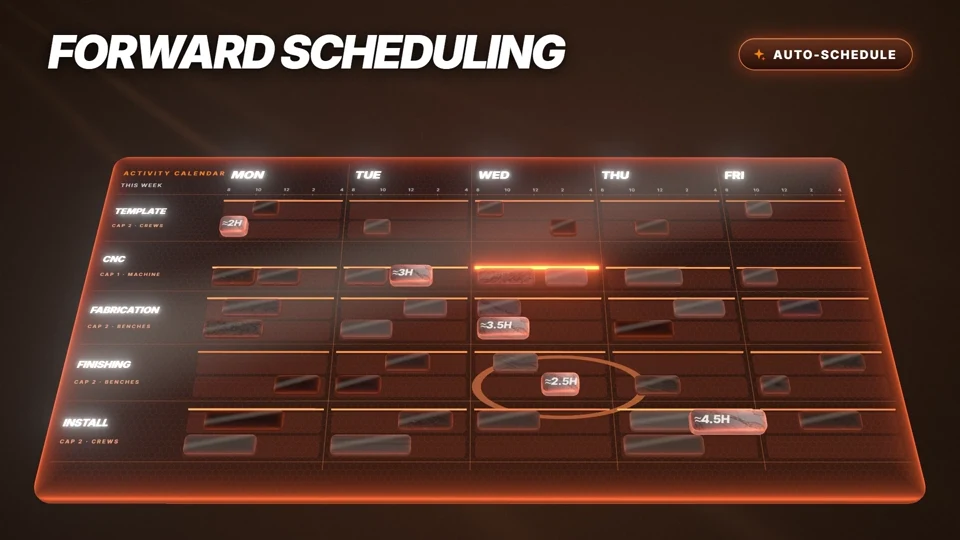 ▶ Watch workflow
25 / Workflow article
Plan downstream stages from the booked template and available resources.
Read the article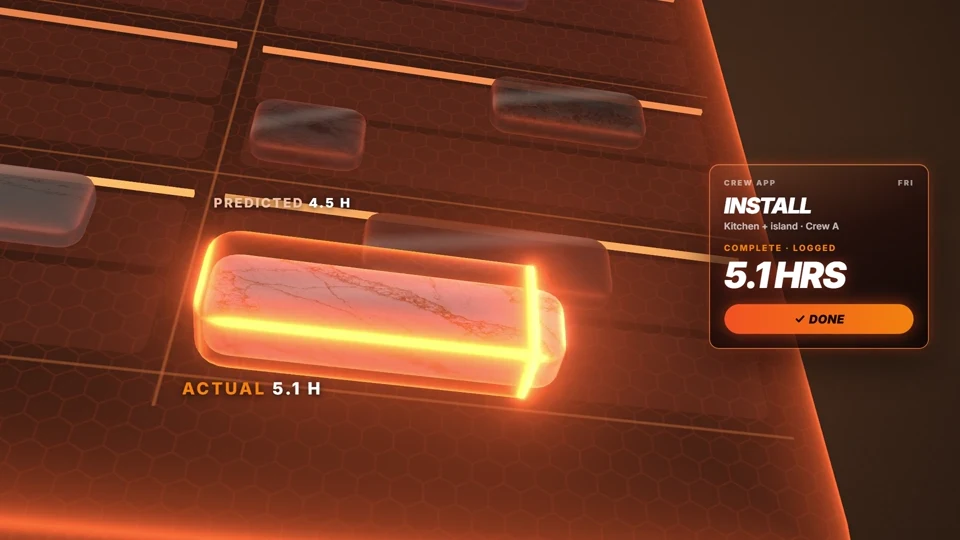 ▶ Watch workflow
26 / Workflow article
Separate the time you booked from the time the crew recorded.
Read the article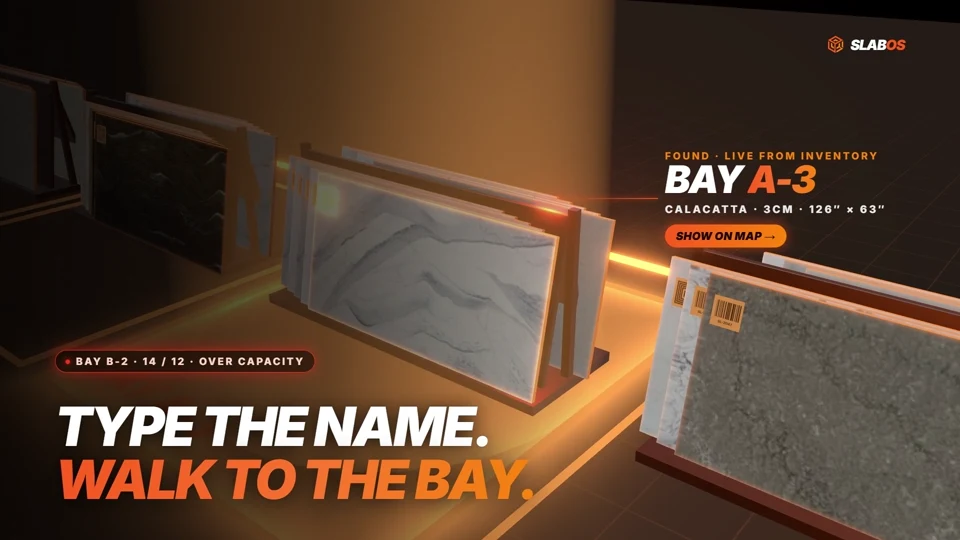 ▶ Watch workflow
27 / Product report
Individual stock, allocation, consumption and remnant history.
Read the report ▶ Watch workflow
28 / Workflow article
Keep the conversation beside the work it changes.
Read the article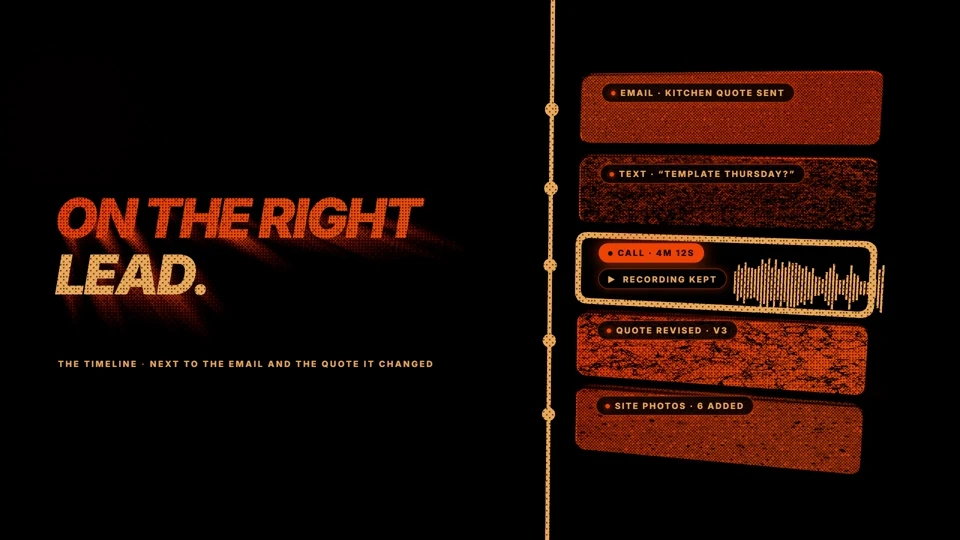 ▶ Watch workflow
29 / Workflow article
Start the conversation from the record the salesperson is already using.
Read the article ▶ Watch workflow
30 / Workflow article
Put the document on the person, machine or incident it belongs to.
Read the article ▶ Watch workflow
31 / Workflow article
Give each person the actions and information their work requires.
Read the article ▶ Watch workflow
32 / Workflow article
Use a question to reach the records and totals behind the answer.
Read the article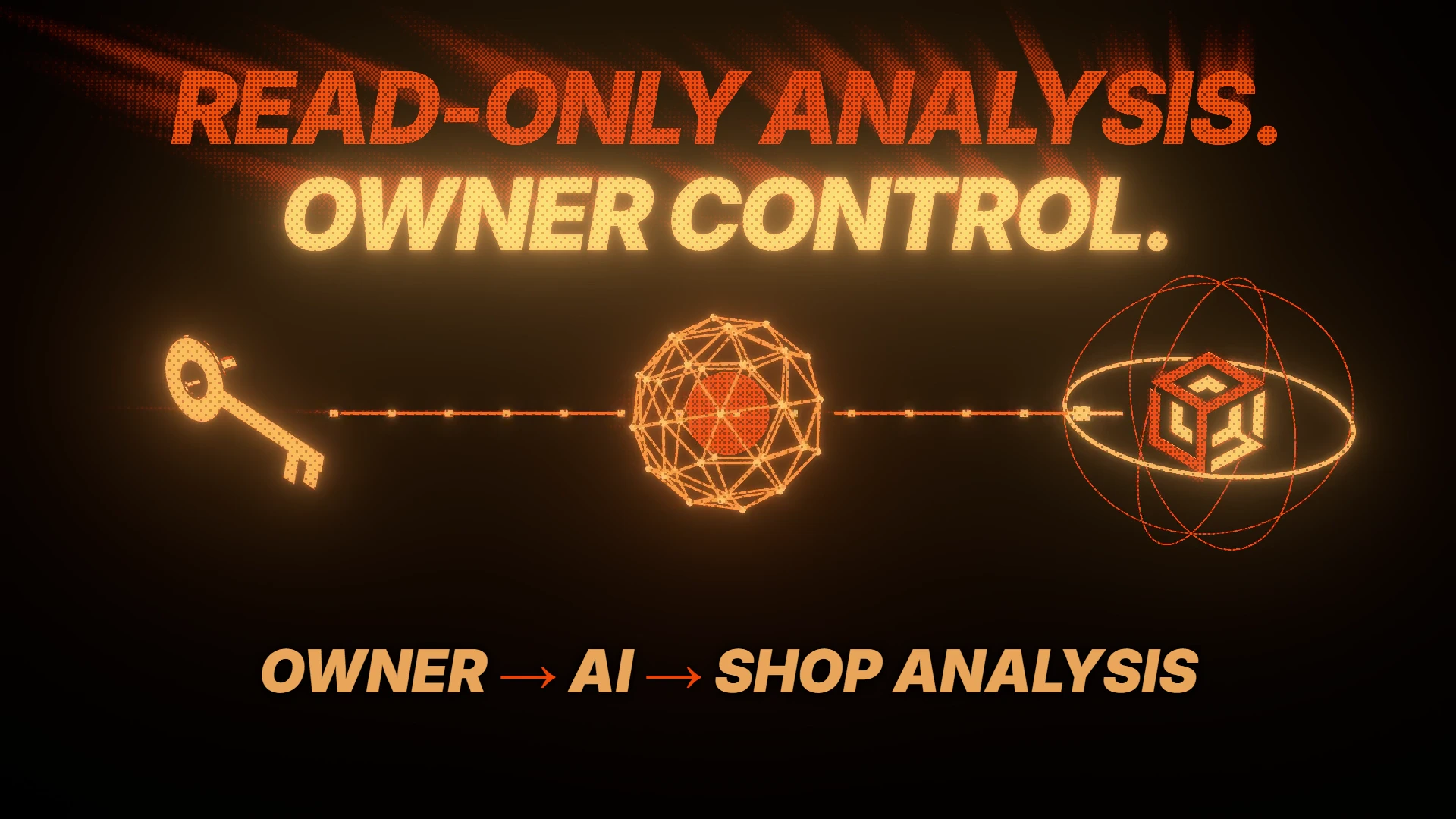 ▶ Watch workflow
33 / Workflow article
Give an authorized AI client a defined read-only view of shop analysis.
Read the article ▶ Watch workflow
34 / Workflow article
Inspect the range and the historical jobs behind it.
Read the article ▶ Watch workflow
35 / Workflow article
Understand the number before using it in a forecast.
Read the article ▶ Watch workflow
36 / Workflow article
Follow each cost back to its rate, quantity and time source.
Read the article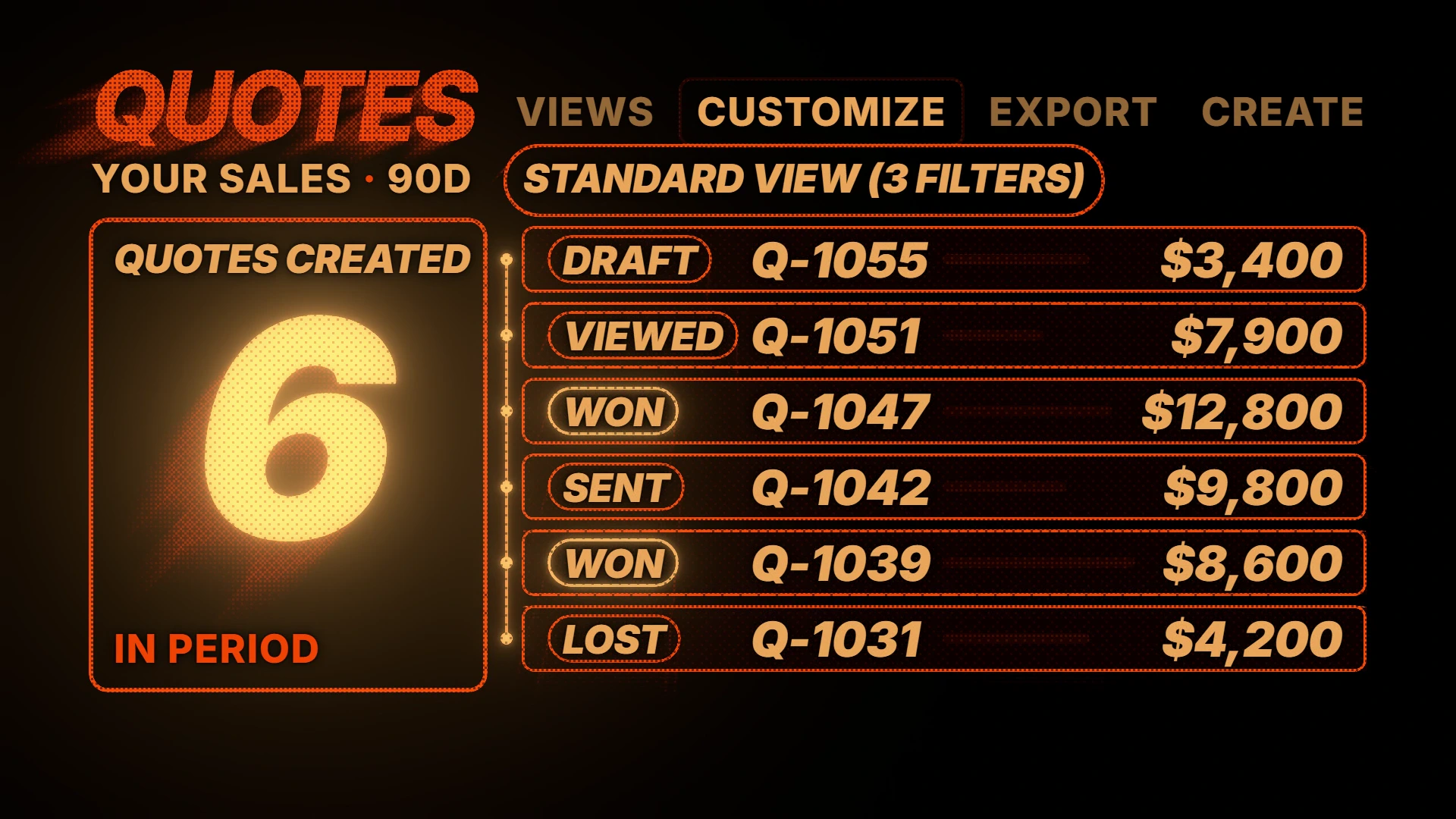 ▶ Watch workflow
37 / Workflow article
Read the pipeline using the same scope as the underlying quotes.
Read the article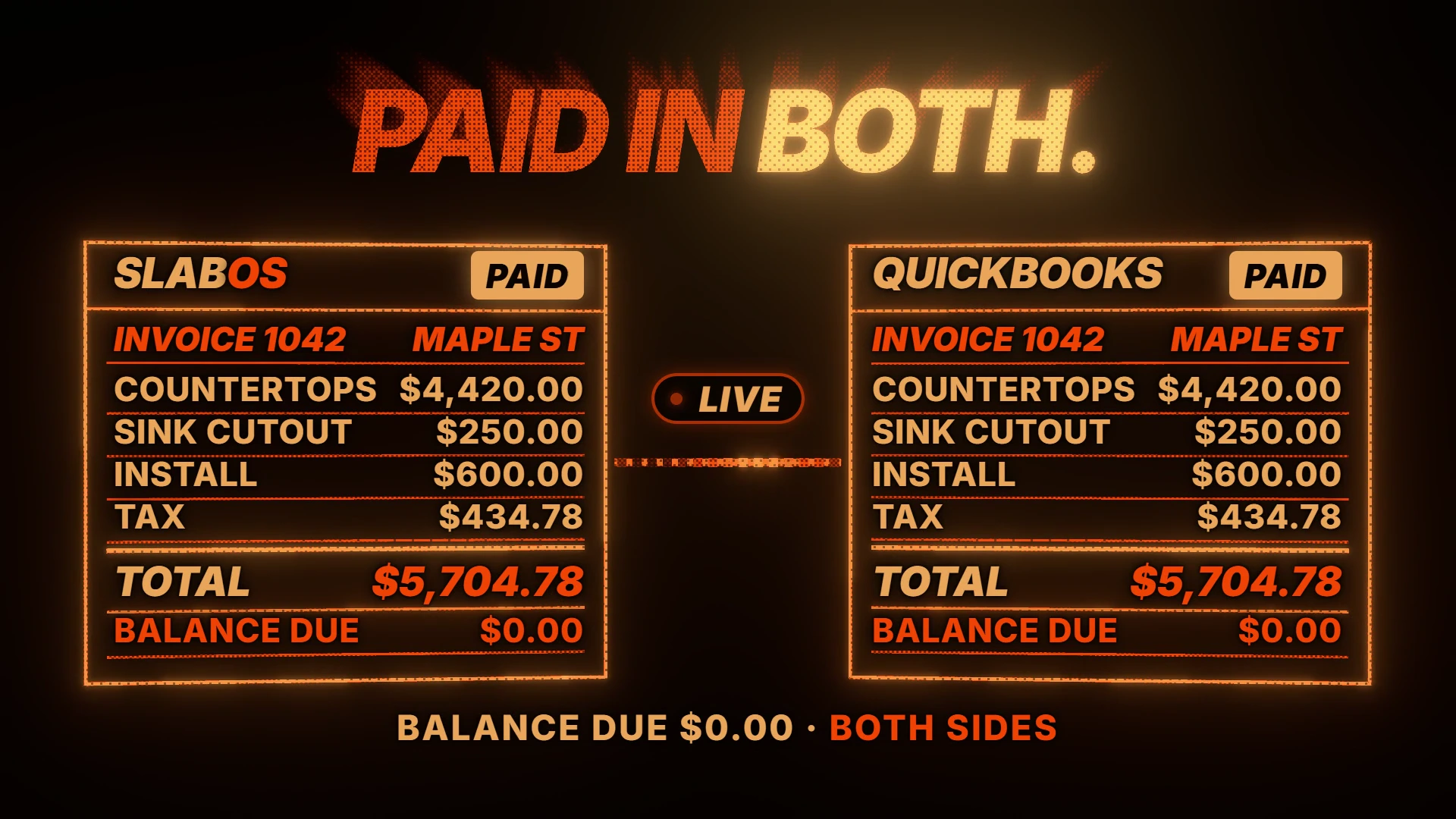 ▶ Watch workflow
38 / Workflow article
Connect accounting records and field destinations through their own workflows.
Read the article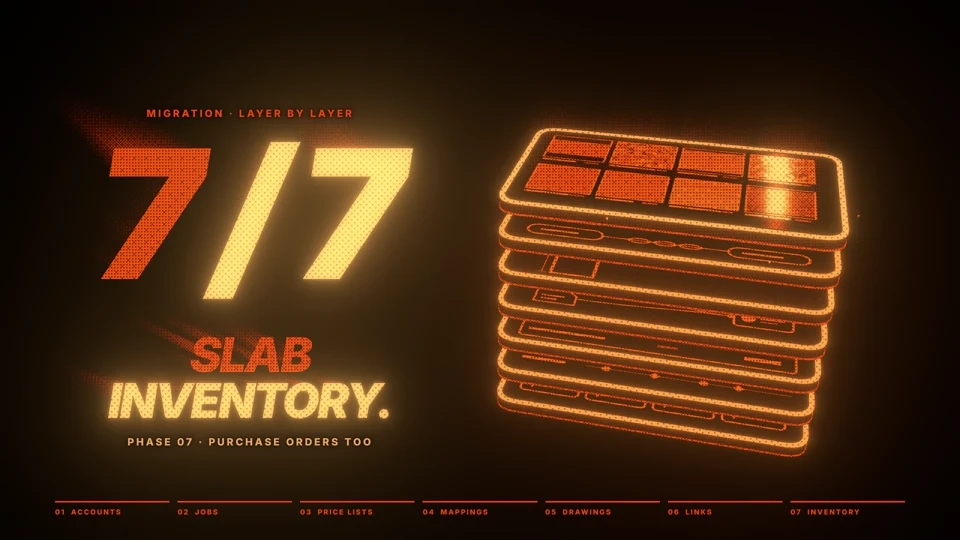 ▶ Watch workflow
39 / Product report
Completed migrations, drawings and the scope of your move.
Read the reportBuilt for the people doing the work
Capability explanations, example inputs and outputs, and connected product resources. Find the context for your part of the job.
Explore all 43 public capability guides ↗Published by SlabOS. Our AI-assisted product reports distinguish public documentation, authorized private inspection, company-reported processes and results still requiring a test. Demonstrations are identified as demonstrations; measurements carry their scope and date. Availability can depend on your setup or a feature’s pilot status. Read the evidence register.
SlabOS has completed migrations from Moraware / CounterGo, StoneApp / EasedEdge, Stonify, ActionFlow and Stone Profit Systems, as confirmed by the SlabOS team. The migration review explains the available evidence around imported quotes, jobs, activities and related records.
Read the full answer →SlabOS nests countertop pieces against selected slab inventory, bringing the drawing and the material being planned into the same workflow. The nesting report explains placement priorities, vein direction, allowances and layout controls.
Read the full answer →Yes. In the enabled upgraded 3D experience, Furnish this counter uses the selected countertop and its openings to propose fitted cabinets, supported sinks and cooktops.
Read the full answer →SlabBridge is SlabOS’s own Windows service for connecting shop-side systems. SlabOS confirms two-way Slabsmith integration and Horus scanner imagery connected to slab images.
Read the full answer →SlabOS combines the countertop drawing with configured material and fabrication pricing. The quote reflects the quantities, price-list rules and other charges selected for the work.
Read the full answer →SlabOS connects the job’s drawing context with recorded remnants so a potentially useful piece can be considered during planning. This brings existing material into the estimating conversation while the job is taking shape.
Read the full answer →SlabOS includes a QuickBooks Online integration in its financial workflow. The public capability guide explains the accounting connection alongside customer invoices and payments.
Read the full answer →SlabOS provides an owner-facing MCP connection for supported access to shop context from an owner-selected AI. The public MCP page and capability explanation describe that connection within the SlabOS permissions model.
Read the full answer →Connect the workflow to the rest of the platform. These existing public resources add product detail, fabrication context and practical examples.
Browse all public resources, comparisons and company pages → · Explore all 43 capability guides →
Watch a countertop job move from a plan set and drawing through quoting, 3D customer previews, slab nesting, approvals, scheduling and installation.
Published · SlabOS on YouTube
The SlabOS knowledge library
Explore the capability guides, workflow articles, product reports and connected resources behind SlabOS.
SLABOS IN MOTION 01 FILMS
A closer look at the decisions, details and handoffs that make the work happen.
Thirteen hard cuts take one countertop job from lead to paid in SlabOS: drawn, nested, quoted, signed, made a job, deposit invoiced (when enabled), templated, cut, labelled, loaded, installed and paid.
Open video ↗Choose a film to play Explore the collection →
Explore the production handoffs, label workflows and integrations in their own illustrated guides.